
Attaching the Rotating Hand Strap
Article #17191
The Alta Rotating Hand Strap fastens securely to your hand and allows you to easily rotate the orientation of the tablet while the hand strap remains fastened to your hand. When field work is done, an angled stand built into the hand strap lets you display Alta in landscape orientation on a desk or other flat surface.
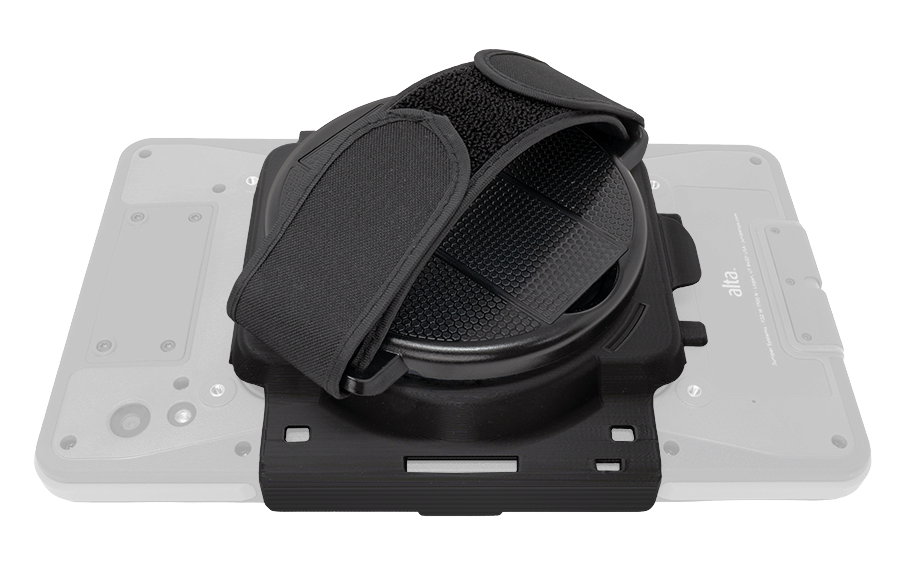
Parts included in the kit:
Round rotation mechanism
Hand strap base
Velcro hand strap
To attach the hand strap to Alta:
Remove blue release liners from the adhesive strips on the round rotation mechanism. Line it up with the flat surface on the base and press the rotation mechanism in place.
Place the hand strap on a flat surface with the stylus clip Hold Alta in landscape orientation and line it up with the hand strap clips.