USB Port Disabled on Archer 4
The Archer 4 has earned an IP68 rating, meaning it is waterproof and dustproof. The Archer 4 is only sealed when the battery door is installed properly, and the battery door locks are in the locked position. For more details, please refer to section 1.2.3 of the user manual.
Note that because the USB-C port is outside the watertight seal, if water gets into the port, the mainboard electronics are still protected. The Archer 4 will auto-detect if liquid or debris is present in the USB-C port and will disable charging to protect the port from shorting. Your Archer 4 will warn you that the port has been disabled with a notification sound and a warning symbol will appear on the status bar.
Status Bar Warning Symbol
The warning symbol appears as a triangle with an exclamation point on the status bar.

Notification Center Warning
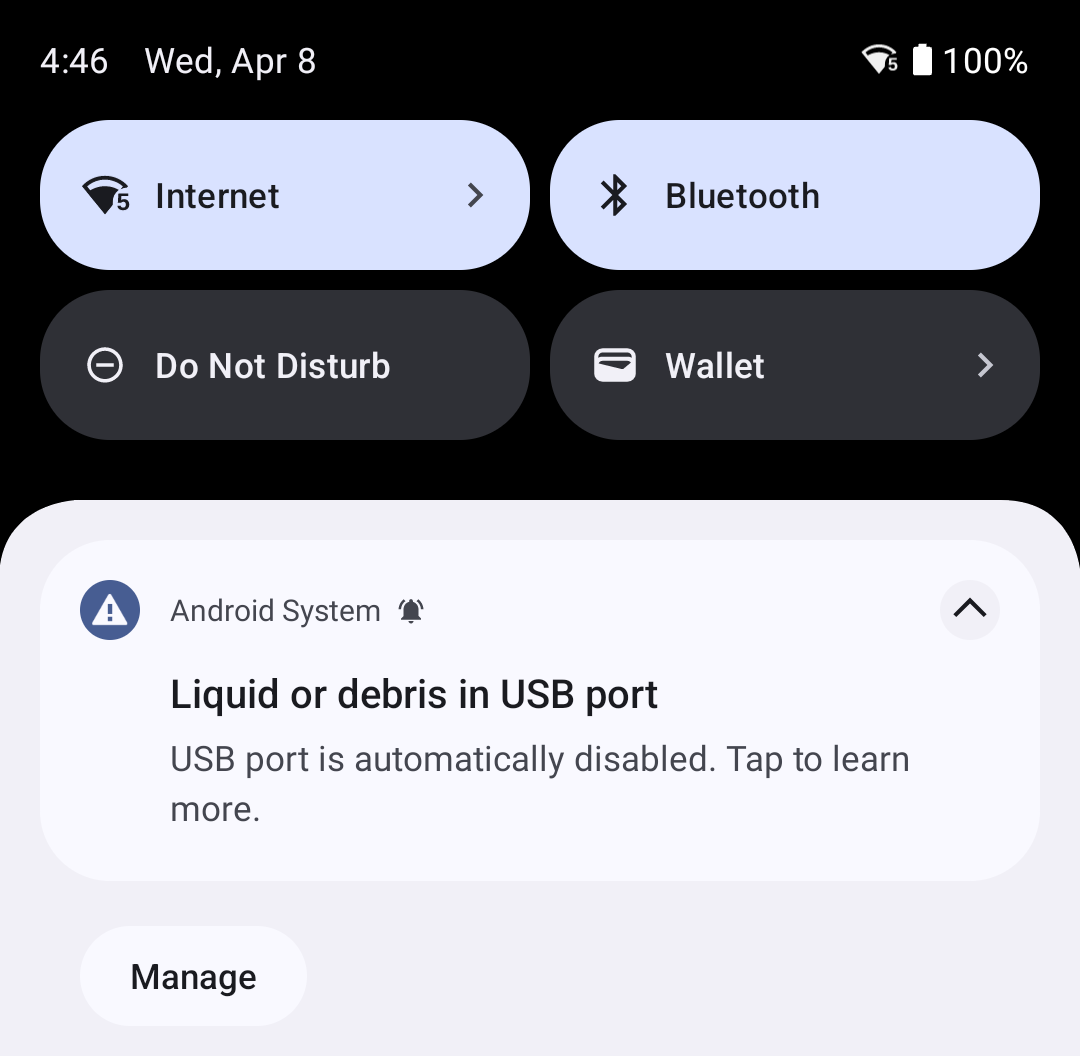
When you swipe down from the top of the screen to access the Notification Center, the following warning message will be listed: "Liquid or debris in USB port. USB port is automatically disabled. Tap to learn more."
USB Port Disabled
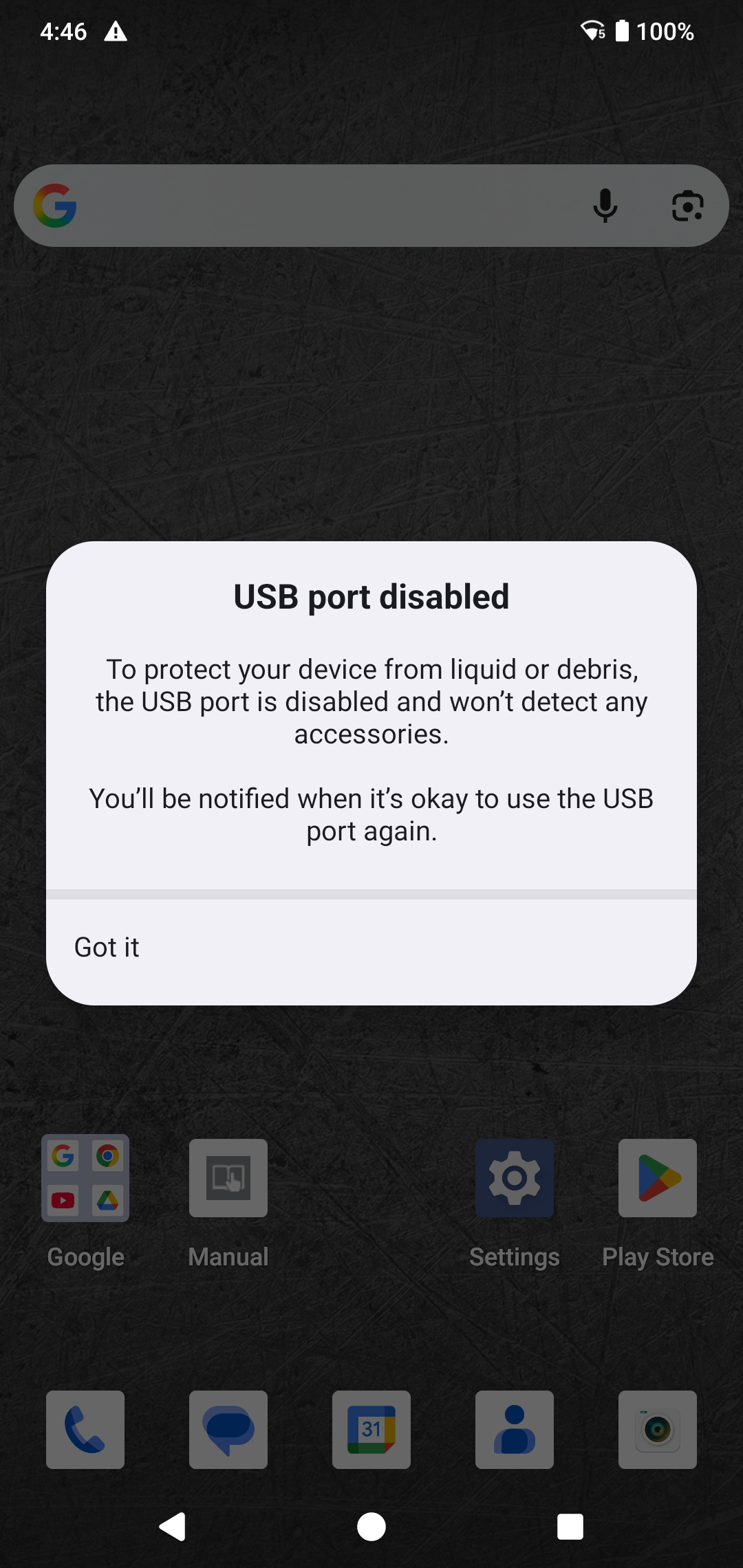
When you tap to learn more, the following warning message will appear: "USB port disabled. To protect your device from liquid or debris, the USB port is disabled and won't detect any accessories. You'll be notified when it's okay to use the USB port again."
What should I do if I see this warning?
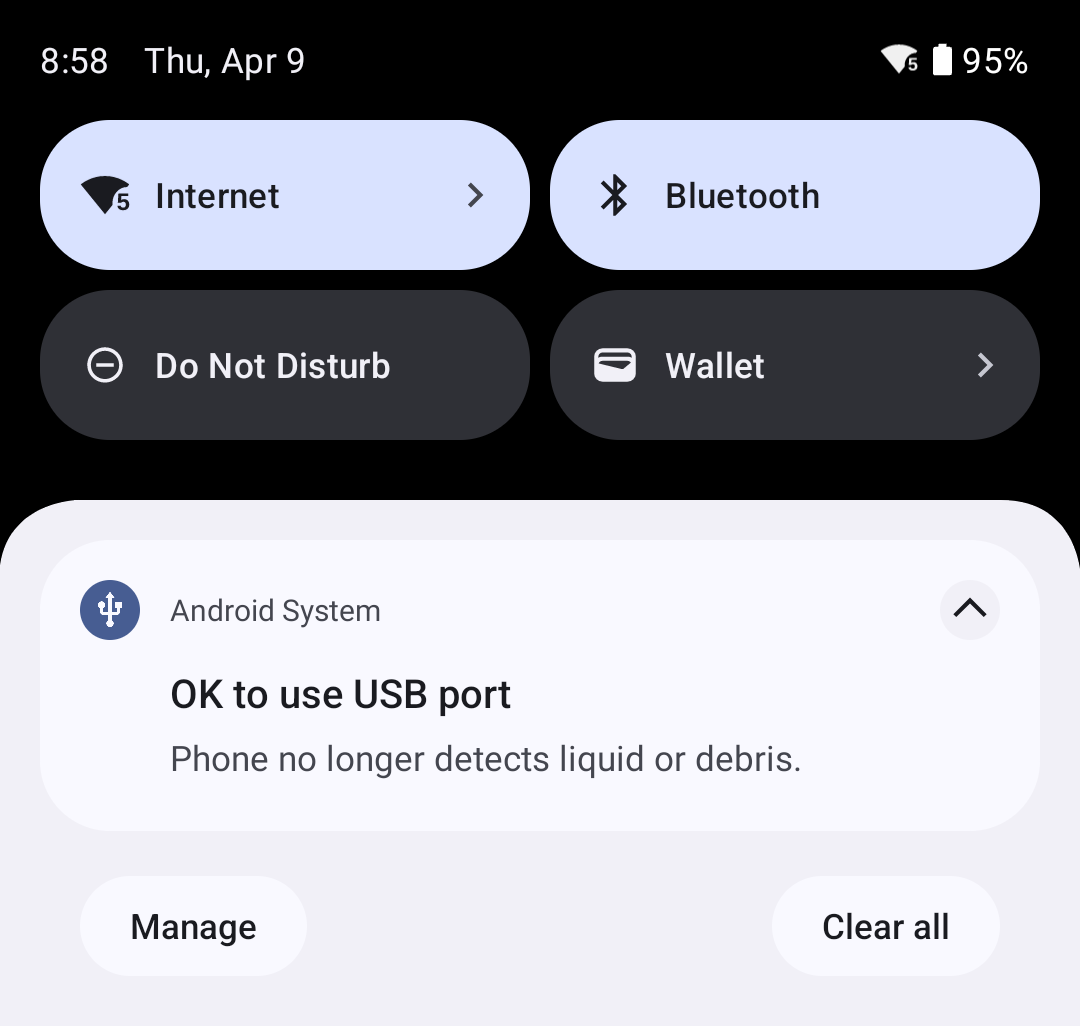
If you see this warning on your Archer 4, wait for the port to dry completely. If your Archer 4 was submerged in salt water or mud, rinse the port with fresh water and drain it. Wait for it to dry completely. Once the port is dry, your Archer 4 will notify you with a sound, the warning symbol will disappear, and a new message will be listed in the notification center: "Ok to use USB port. Phone no longer detects liquid or debris."