Rapid Blinking Red LED on Mesa Pro
This article outlines possible causes and recommended solutions when the Mesa Pro red LED indicator blinks rapidly three times in a row, stops, and then repeats.
Possible Causes
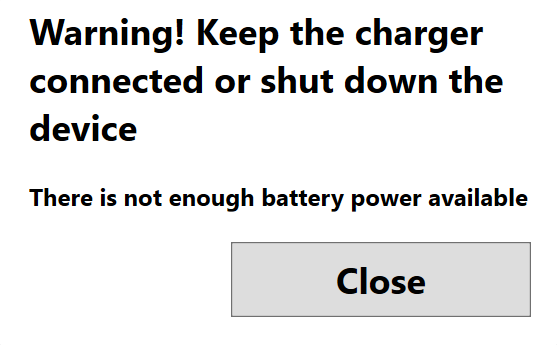
The battery may be low or completely discharged. You may see the following warning on your Mesa Pro: Warning! Keep the charger connected or shut down the device. There is not enough battery power available.
The battery door is not securely attached.
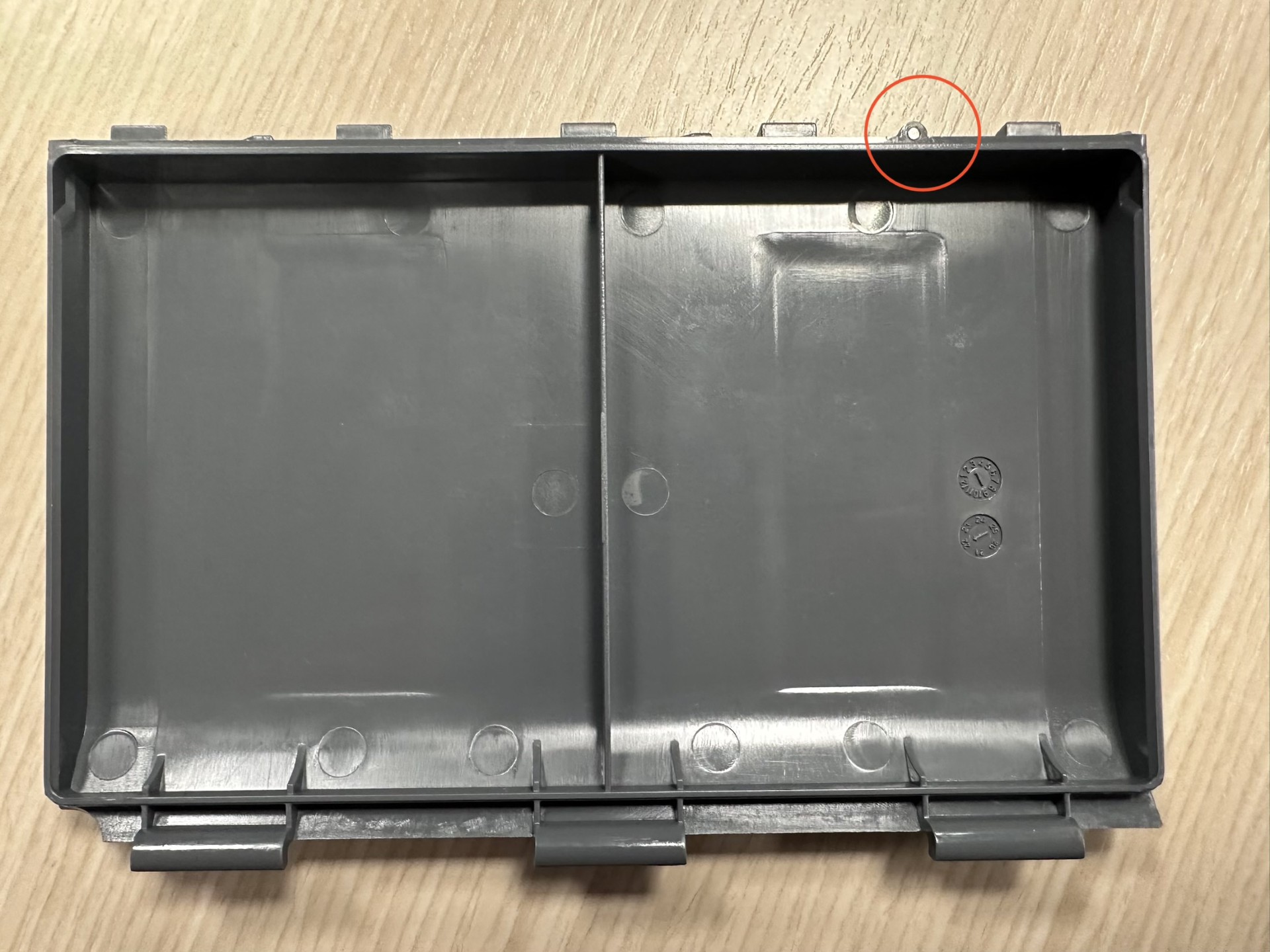
The battery detect magnet in the battery door is missing.
Recommended Solutions
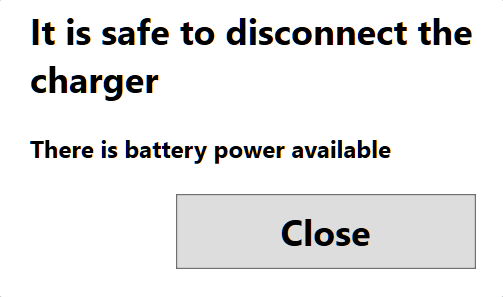
If the battery is low or discharged, charge the battery using the AC wall charger or USB-C charger until the battery is charged sufficiently. Once the battery is charged enough to keep the Mesa Pro powered on, you will see the following message: It is safe to disconnect the charger. There is battery power available.
Note: If you use a USB-C charger, ensure it can deliver 20 V with a minimum of 60 Watts.
Verify the battery and battery door are installed properly, as outlined in section 2.14.2 of the Mesa Pro User Manual.
Verify the battery detect magnet is present in the battery door. If the magnet is missing, the battery door will need to be replaced by contacting support@junipersys.com.