
How Do I Know What Accuracy I'm Getting?
Juniper RTK improves GNSS accuracy from several meters to centimeter-level accuracy. Your achievable accuracy depends on your distance from a network of global base stations.
Your proximity to an RTK base station
Within 50 km—Juniper RTK automatically connects directly to the base station nearest your current position. With a direct connection, you can achieve centimeter-level accuracy (1–3 cm).
Beyond 50 km—Juniper RTK automatically applies a virtual RTK solution by triangulating multiple base stations. With a virtual RTK solution, less than <10 cm level accuracy is possible.
To see the RTK base station nearest your location, look at a map.
View your accuracy in your software
The accuracy of your GNSS receiver depends largely on the correction source being used. Some correction services, such as RTK and Atlas, require a subscription. You can view the correction source used by your GNSS receiver as well as the position accuracy within Juniper Connect and Uinta.
Juniper Connect
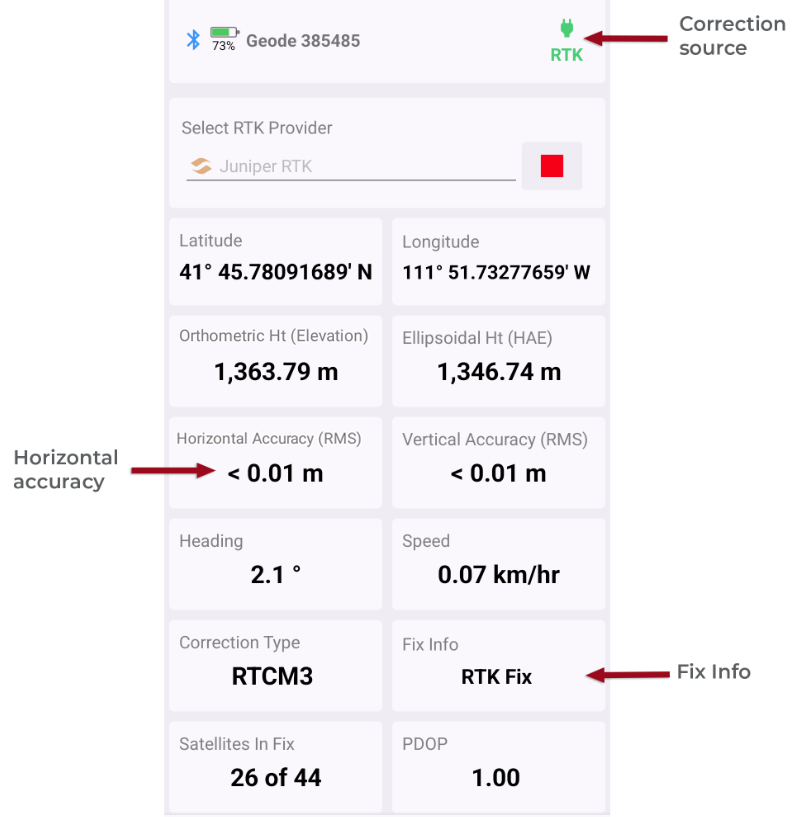
The Home screen shows the horizontal accuracy (RMS), the correction source, and fix.
Uinta
The GPS icon, located in the title bar in Windows or at the bottom of the screen in Android or iOS, shows the fix quality and accuracy of the receiver.
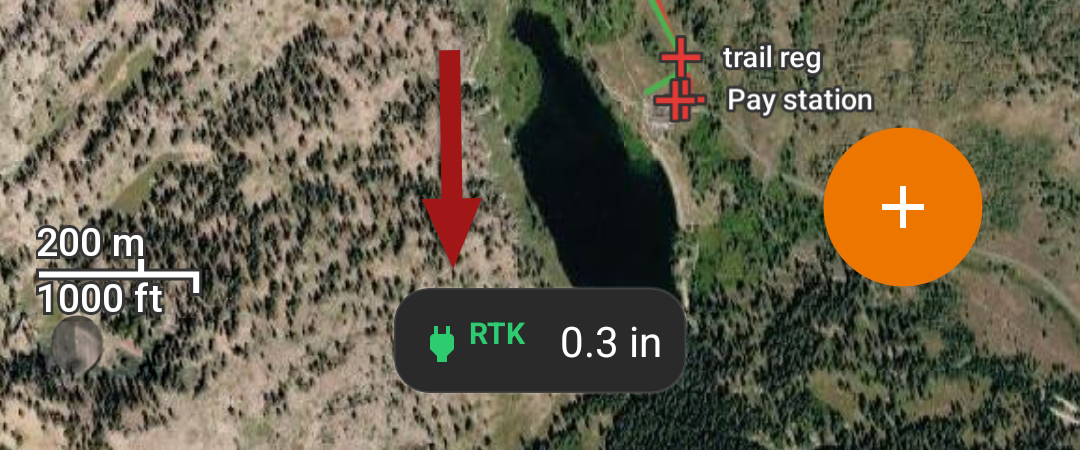
Android & iOS
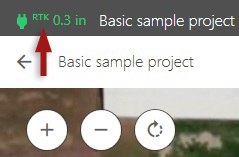
Windows
Tap the GPS icon to view more information, including the RTK provider, fix quality, position, satellites in fix, and correction age.
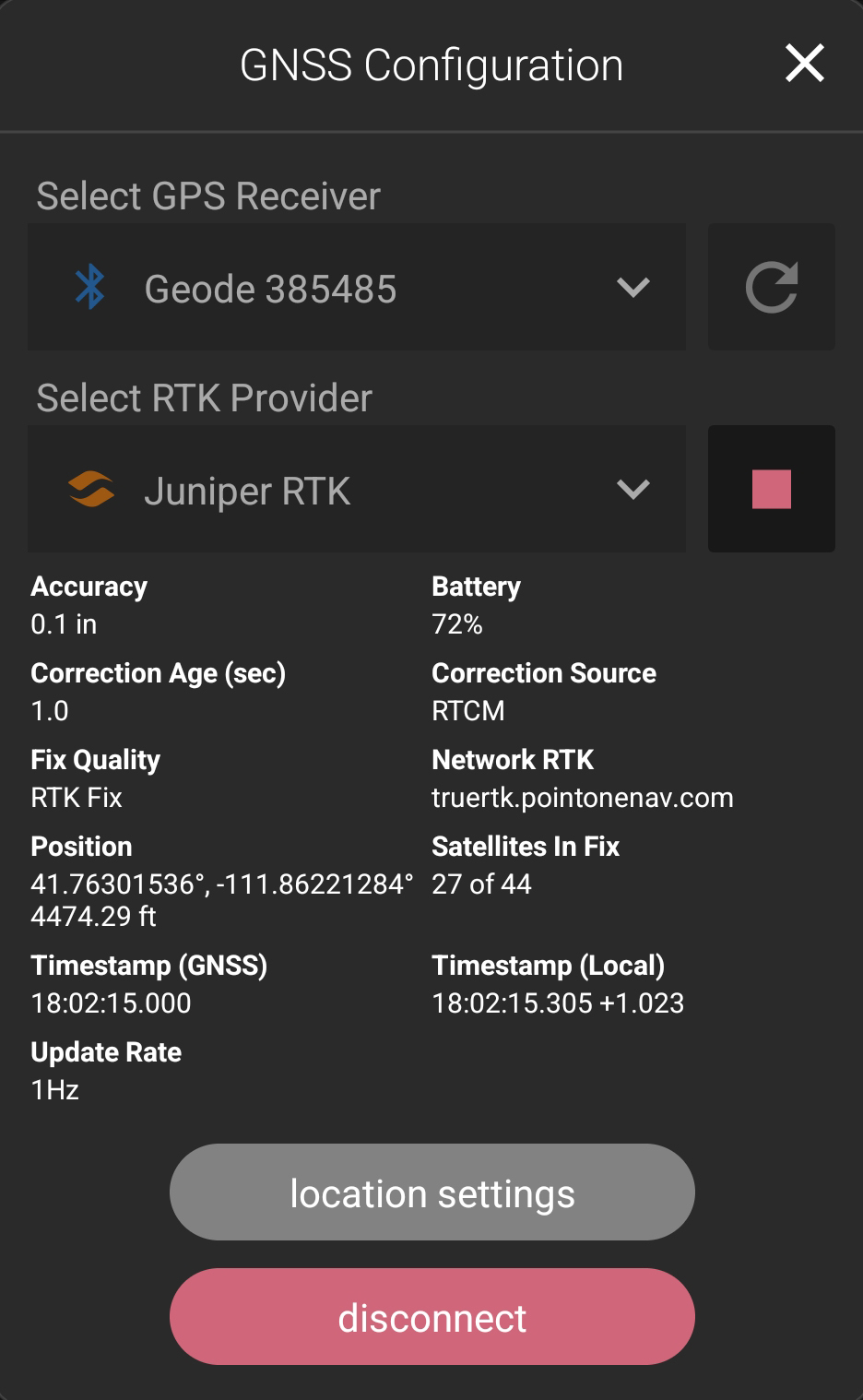
Note: By default, the estimated horizontal error displays next to the GPS icon. You can choose to see other location information, such as elevation, in Location Settings.